01
For findersFound a child or item?
Scan the QR code or enter the RelayID. RelayID automatically opens the correct item-return or Child Safety journey. Finders do not need an account to help.
1Scan or enter ID→2See approved details→3Return safely
Scan the QR code or enter the RelayID. RelayID automatically opens the correct item-return or Child Safety journey. Finders do not need an account to help.
Activate RelayIDs for belongings or use the dedicated Guardian Centre for Child Safety wristbands.
RelayID never exposes your account ID, sign-in email or full address. You choose the public contact options for each item and Child Safety profile.
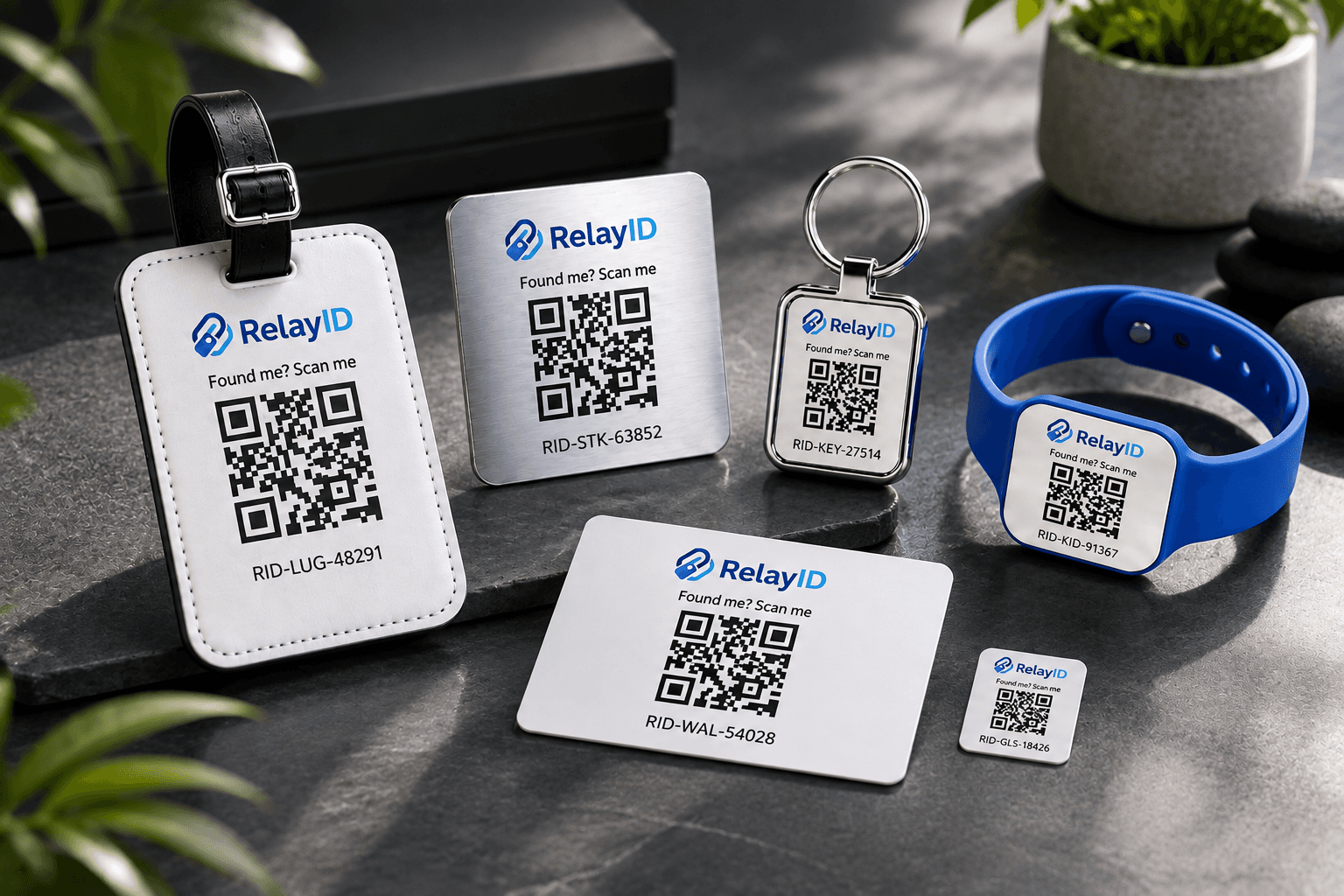
Select a product to see how it works with the RelayID recovery or Child Safety system.